 [ Previous | Next ]
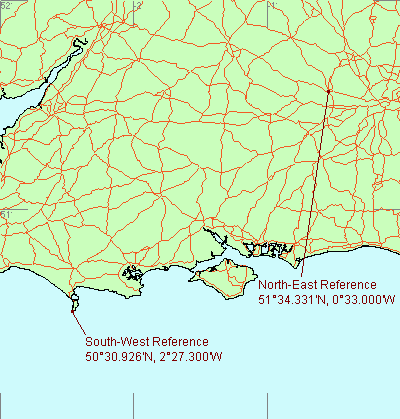
Suppose we define the two reference points as follows :-
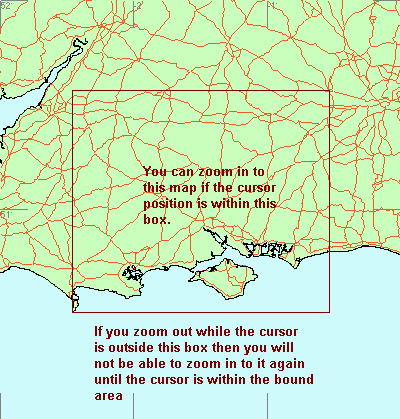
The zoom extents initially match the rectangle bounded by the two reference points:-
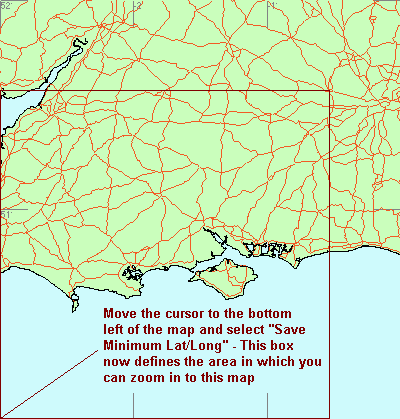
Now we set the minimum lat/long to a new position. In this case it's at the bottom left so we can press V to move there immediately:-
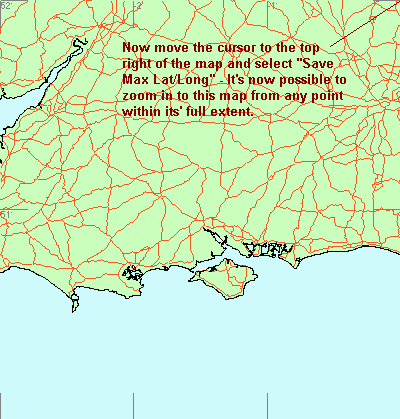
Now we set the Maximum Lat/Long in the same manner using the B key to move there quickly:-
Last Updated 23 July
1999